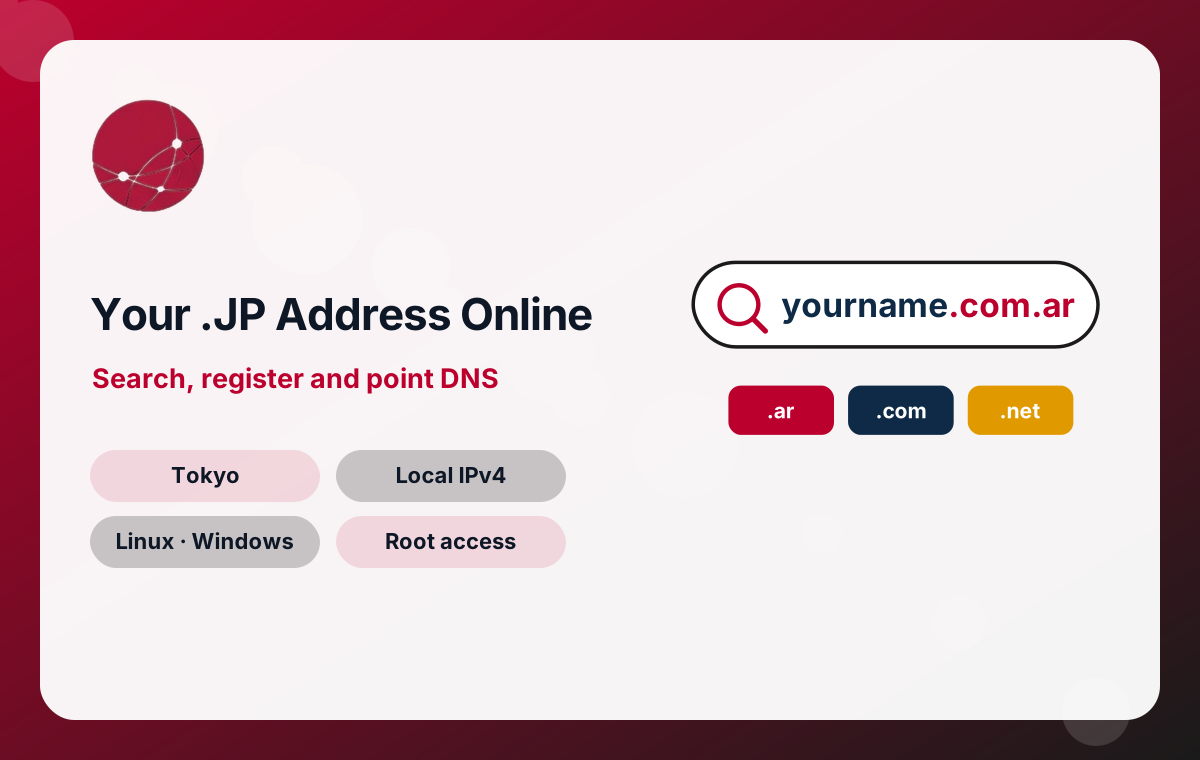
Why Choose a .jp Domain for Your Japanese Business
Japanese internet users are familiar with .jp addresses, and many local companies, public bodies and organisations use them. Choosing .jp for your site can help in several ways:
- Local signal. A .jp address immediately suggests that the business serves Japan, which can reassure customers who prefer to buy from local or locally focused companies.
- Search relevance. Search engines can use country code extensions as one of many signals that a site targets a particular country.
- Brand availability. A name that is long taken as a .com may still be available as a .jp domain.
- Consistency with offline branding. Business cards, packaging and advertising aimed at Japanese customers often look natural with a .jp address.
A .jp domain is not a substitute for good content, fast hosting and clear contact information, but it complements a Tokyo VPS and Japanese-language content well.
Understanding .jp Registry Rules and Eligibility in General Terms
Every country code extension is run by a registry that sets its own policies. For .jp, the registry defines who may register a name, what information must be provided and how disputes are handled. Those requirements can change, so treat the points below as general guidance rather than a complete rulebook.
- Eligibility. Country code registries often require some connection to the country, such as a local address or presence. Check the current requirements before ordering if your organisation is based outside Japan.
- Organisational names. Some second-level names under .jp are reserved for particular types of organisations, and each has its own eligibility criteria.
- Accurate contact data. Registrant details must be correct and kept up to date; inaccurate information can lead to suspension.
- Naming rules. Registries set rules on allowed characters, length and reserved words.
If you are unsure whether you qualify, open a ticket before ordering and we will check the current position with you.
Japanese-Character Domain Names and Romanised Alternatives
Internationalised domain names allow characters beyond the basic Latin alphabet, so some extensions support names written in kanji, hiragana or katakana. Behind the scenes these are converted to an ASCII form beginning with xn--, known as Punycode, which is what DNS actually stores.
Japanese-character domains can be memorable for local audiences, but there are practical considerations:
- Typing them requires a Japanese input method, which visitors abroad may not have.
- Some email systems and older software handle internationalised addresses poorly.
- When copied into documents or social media, they may display in the long Punycode form.
A common approach is to register a romanised or English name as the main address and a Japanese-character version that redirects to it. Support for internationalised names depends on the extension, so confirm availability using the search box on this page.
Alternatives to .jp for Brands Targeting Japan and Asia
If your preferred .jp name is taken, or you serve customers in several countries, other extensions are worth considering.
Generic extensions
.com remains the most recognised extension worldwide and suits international brands. .net and .org are familiar alternatives for technology services and non-profit organisations.
Regional and city extensions
Some newer extensions are linked to regions or cities. Where available, they can give a local flavour similar to a country code. Check each one’s registration policy before choosing it for an important project.
Protecting your brand
Many businesses register their name under .jp and .com together, pointing both to the same Tokyo server and using one as the main address with a redirect from the other. This prevents confusion and stops others from registering a look-alike address.
Picking a Domain Name That Works for Japanese and Global Audiences
A good domain is short, easy to say and hard to misspell. Some tips for names aimed at Japan:
- Test pronunciation. Say the name aloud in Japanese and English. Words that are easy in one language can be awkward in the other.
- Watch romanisation. Japanese words can be romanised in more than one way, for example with or without long vowel markers. Choose the most common spelling and consider registering obvious variants.
- Avoid hyphens and numbers unless they are part of your brand, as they are easily forgotten when spoken.
- Check trademarks before registering, to avoid disputes with existing rights holders.
- Think long term. A name tied to a single product or campaign may not suit the business later.
Pointing Your Domain DNS to a Japan VPS or Dedicated Server
After registration, the domain needs DNS records that tell browsers where your server is.
- Find your server’s IP address in the welcome email or client area for your VPS, RDP package or dedicated server.
- Create an A record for the bare domain, for example example.jp, pointing to that IPv4 address.
- Create a record for www, either another A record or a CNAME pointing to the bare domain.
- Add mail records: MX for incoming mail, plus SPF, DKIM and DMARC TXT records to support deliverability.
- Wait for propagation. Changes usually spread within minutes to a few hours, depending on the TTL of previous records.
- Issue SSL on the server once the domain resolves correctly.
If you run your own DNS on the server through a control panel, point the domain’s nameservers to it instead and manage records from the panel.
DNS Record Types You Will Use with a Tokyo-Hosted Site
- A – maps a name to an IPv4 address, such as your Japan VPS.
- AAAA – maps a name to an IPv6 address, if your server has one configured.
- CNAME – makes one name an alias of another, commonly used for www or third-party services.
- MX – tells other mail servers where to deliver email for your domain.
- TXT – holds text values used for SPF, DKIM, DMARC and ownership verification with search consoles and other services.
- NS – lists the nameservers responsible for the domain.
- CAA – restricts which certificate authorities may issue SSL certificates for the domain.
Keep a simple record of every DNS entry and why it exists. When you migrate servers or change email providers, that list makes the switch quick and avoids forgotten records breaking services.
Organising Subdomains Across Several Tokyo Servers
One domain can front many services. As your infrastructure in Japan grows, subdomains keep everything under a single, recognisable brand.
- shop.example.jp could point to a WooCommerce store on one Japan VPS.
- api.example.jp could point to an application server or the dedicated machine.
- mail.example.jp could identify your mail server for clients and DNS records.
- staging.example.jp could host test copies that are protected by a password.
Each subdomain simply needs its own A or CNAME record pointing to the right server. Because the subdomains can sit on different IP addresses, you can move one service to a larger plan or a new server without touching the others. Remember to issue SSL certificates for every subdomain, or use a wildcard certificate if you manage many of them.
Transferring an Existing Domain to Manage It with Your Japan Hosting
Keeping domains and servers in one client area simplifies renewals and support. Transfers generally follow these steps, though details vary by extension:
- Confirm the domain is active and not close to expiry, and that the registrant details are current.
- Remove any transfer lock at your current registrar.
- Obtain the authorisation or transfer code, if the extension uses one.
- Start the transfer in our client area and complete payment.
- Approve any confirmation emails sent to the registrant address.
Some country code extensions, including .jp, may use procedures that differ from generic domains. Open a ticket before starting and we will confirm the current process for your extension. Your website keeps working during a transfer as long as DNS records remain unchanged.
Domain Prices, Renewals and Expiry for Japanese Domains
We do not publish a fixed domain price list on this site, because registry fees and available extensions change. Current prices are shown at checkout, and you can request a quote for any extension by opening a sales ticket. Payment methods include crypto, Visa, Mastercard, PayPal and bank transfer.
Renewals matter as much as registration. An expired domain stops your website and email working, and after a grace period it may become available to others. To avoid this:
- Keep the email address on your client account current so renewal reminders reach you.
- Consider registering important domains for longer periods where the extension allows.
- Note renewal dates alongside your server renewals.
Keeping Your .jp Domain Safe from Hijacking and Mistakes
Domains are valuable assets, and losing control of one can be expensive and slow to resolve.
- Use a strong, unique password for your client area and keep it in a password manager.
- Limit who in your organisation can change DNS or contact details.
- Keep registrar locks enabled except when you deliberately transfer a domain.
- Be wary of emails warning that your domain is about to expire and asking you to pay elsewhere; verify by logging in to your own client area.
- Enable DNSSEC where supported by the extension and your DNS provider to protect against forged DNS responses.
Need help? Open a ticket at control.serverslot.com or see our contact page.